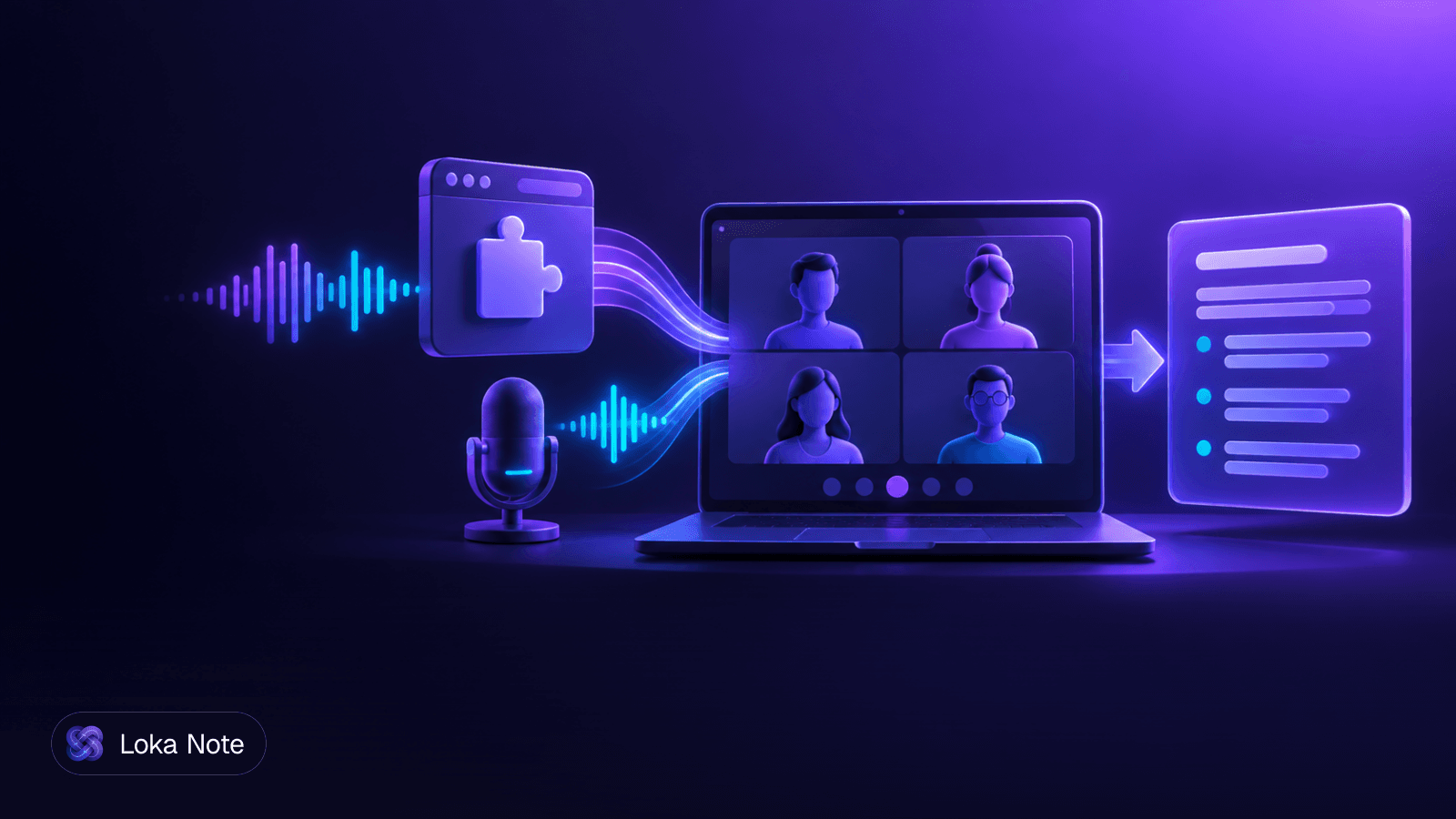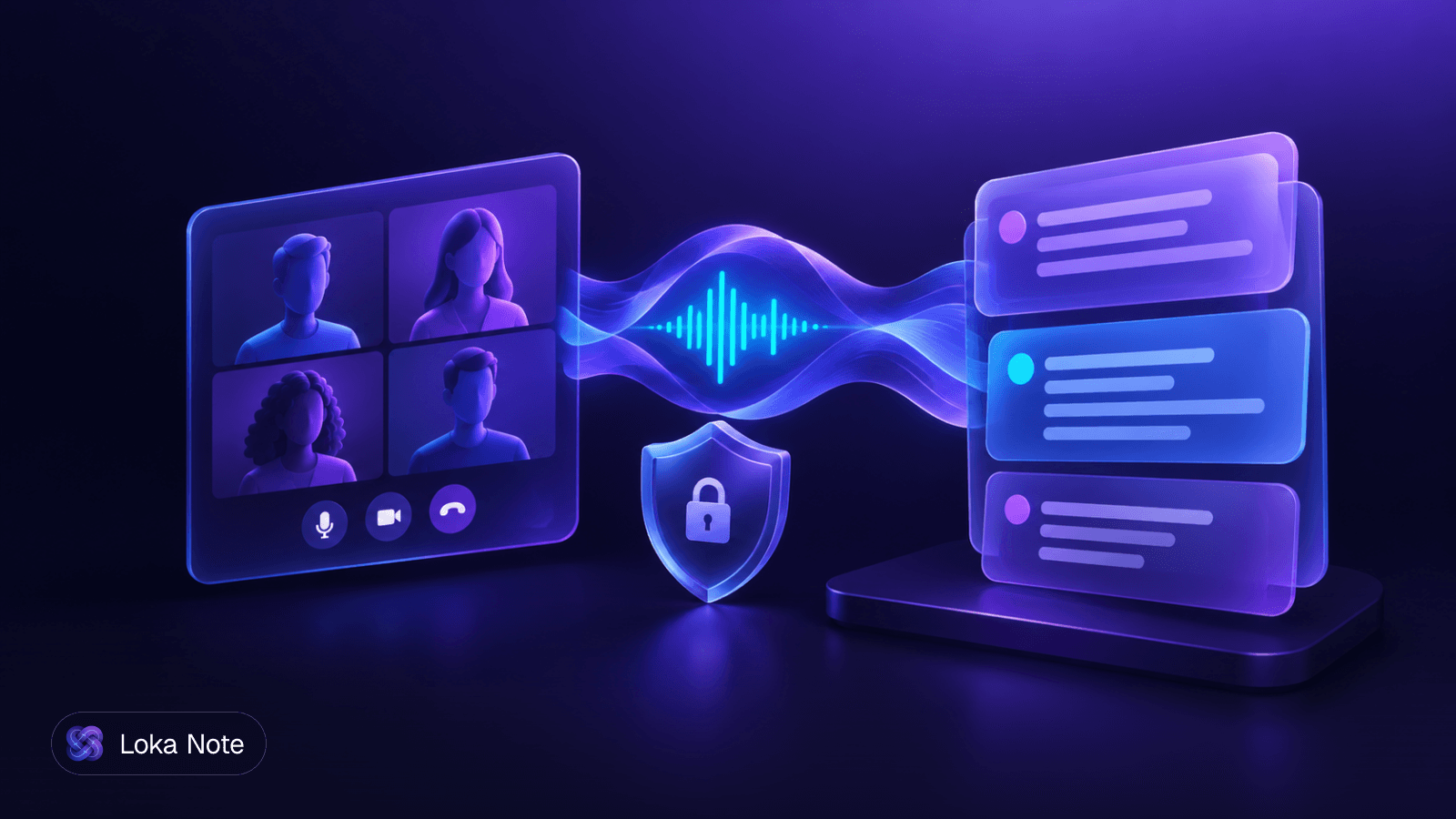
If you want a tldv alternative that does not send a bot into your calls, you have two realistic routes: a local-first desktop recorder that keeps audio on your machine, or a browser-based tool that records without joining as a participant. Cloud tools that rely on a bot, such as Fathom and Fireflies.ai, are still worth comparing, but they solve a different problem.
Below, we compare ten options on bot-free capture, price, privacy and language support. Prices are the ones the vendors' own pages or the sources linked below list, so check them before you buy.
Why people look for a tldv alternative
Most searches start with one of four frustrations: a bot in the participant list, unclear data handling, subscription cost, or weak support for non-English speech. Each one points to a different replacement.
The bot problem
A bot joins as a named guest. On a call with a client, a lawyer or a regulator, someone has to explain it, and some organisations simply do not allow third-party participants. Even when it is allowed, people speak differently once they see a recorder in the room.
We cover the mechanics in Meeting Transcription Without Bot. The short version: capture happens on your device or in your browser instead of through an extra participant.
Data and cost
If recordings sit on a vendor's servers, you are trusting their retention and training policies. Local-first tools remove that question, at the cost of setup work. Subscriptions are the other pressure point, especially for small teams that record a few meetings a week.
Language
Many tools list a hundred languages but are tuned for English. If your calls mix two languages, as many calls across Southeast Asia and Nigeria do, you need to test for that specifically.
What to check before you switch
Judge every tool on the same four criteria, then test it on one real call.
- Capture method. Bot, browser extension, browser recorder, or desktop app capturing system audio.
- Where processing happens. On your device, on the vendor's cloud, or a mix.
- Price model. Free tier limits, monthly subscription, or pay per minute.
- Language handling. Not the number of languages listed, but how the tool behaves on your accents and your mixed-language speech.
A simple test procedure:
- Record a 10-minute call with at least two speakers, ideally one with an accent typical of your team.
- Include a stretch where speakers switch languages, if that happens in your meetings.
- Check whether speakers are separated correctly.
- Read the summary against what you remember. Count the missed decisions and wrong action items.
- Find the delete button and use it. Confirm the recording is gone.
Local-first and open-source recorders
These tools run on your computer, so audio does not have to reach a vendor. They suit privacy-sensitive work and are often cheap or free, but expect more setup than a browser tool.
| Tool | Licence / cost | Platform | What it does |
|---|---|---|---|
| AutoDoc | Open source (AGPL-3.0) | Mac and Windows | Captures system audio, mic and screen locally with AES-256-GCM encryption; no bot or API key |
| Meetily | See vendor page | On-device | Runs 100% locally with no cloud processing or meeting bots; audio and notes stay on the computer |
| Syncore Notes | 3 free meeting hours per month | Local daemon | Captures system audio and mic without a bot, runs at 127.0.0.1, exposes transcripts to AI agents via MCP |
| Earshot | MIT; free to self-host, or $9/month managed | Windows and macOS | Dual-channel recording (mic and system audio), WebRTC AEC3 echo cancellation |
How system audio capture works
A bot hears the call because it is a participant. A local recorder hears it because your computer is already playing it. The app records what comes out of your speakers or headphones (the other participants) and what goes into your microphone (you).
Earshot keeps those as two channels and applies echo cancellation, so your speakers' output does not bleed into your mic track. Two channels also make it easier to tell "me" from "everyone else" in the transcript.
Read the fine print on "local"
Local capture is not the same as local processing. Earshot's repository describes Whisper transcription and Claude-powered notes with your own keys, so check which steps run on your device and which call an outside service. Also check platform support: the project describes itself for Windows and macOS, but the repository headline calls it a Windows app.
Meetily and AutoDoc both state that processing and storage stay on your machine. If that is your requirement, confirm it with a test: disconnect from the network and see what still works. Our guide Are AI Note Takers Safe? lists the questions to ask any vendor.
Cloud tools compared
Cloud tools are easier to start with, share notes more naturally, and need no installation. The split that matters is whether they use a bot.
| Tool | Bot-free? | Listed pricing |
|---|---|---|
| TicNote | Yes | Pro at $12.99/month |
| Tactiq | Yes, via Chrome extension | Free tier of 10 meetings/month; Pro at $12/month |
| Supernormal | Bot-free options available | Pro from $10/month |
| Fathom | No, uses a meeting bot | Free tier with unlimited recording; Premium at $19/month |
| Fireflies.ai | Predominantly a bot in Zoom, Meet or Teams | Pro from $18/month |
Notes on each
TicNote offers bot-free recording, editable transcripts, synthesis across files within a project, and 120+ languages. That is the broadest language list here.
Tactiq works through a Chrome extension. Because it runs in the browser, it fits meetings you join in Chrome and not calls held in a desktop app. Its free tier of 10 meetings a month is enough to run a real trial.
Supernormal has bot-free options, though the page we rely on gives limited detail, so check which capture mode your plan includes.
Fathom has a generous free tier, which is why it comes up in most roundups. If a guest bot is the problem you are trying to solve, it does not solve it.
Fireflies.ai is strong on integrations and search, but it mainly joins calls as a participant. We compare it with Otter in Otter vs Fireflies and look at bot-free replacements in Fireflies AI Alternatives Without a Bot.
Privacy and compliance: who trains on your audio
The only way to be sure a vendor never trains on your audio is for the audio never to reach the vendor. Everything else depends on a written policy you have to read.
For local-first tools, the answer is structural. Meetily says meeting audio and notes never leave the computer, and AutoDoc encrypts local recordings with AES-256-GCM. There is no vendor server to train from, though any cloud model you plug in yourself, such as a hosted LLM for summaries, has its own terms.
For cloud tools, ask these questions in writing:
- Are recordings or transcripts used to train or improve models, including third-party models?
- Where is data stored, and who are the sub-processors?
- How long is it retained, and does deletion remove it fully?
- Is there a signed data processing agreement for business accounts?
Do not assume that bot-free means private. A browser extension that sends audio to a server is still a cloud product. The capture method decides who sees you; the processing location decides who hears you.
Handling multilingual calls
A long language list tells you little about accuracy on your calls. Test with your own speech, especially if people switch languages mid-sentence.
Lists like "120+ languages" describe coverage, not quality on accents or code-switching. Few comparisons test low-resource languages or bilingual speech, and local tools depend on whichever speech model you run. Smaller models on a laptop typically do worse on unfamiliar accents, so test before you commit.
Connectivity matters too. If your team has unstable internet, a local recorder can capture the meeting offline and process it later. Cloud tools need an upload, which is a problem on a weak connection. We cover that trade-off in Transcribe Video to Text: Audio Tricks for Slow Connections.
For a longer look at what works with mixed languages, see Multilingual Meeting Transcription: What Actually Works.
Which tldv alternative should you choose
Pick based on the constraint that hurts most, then test it on one real meeting.
| If your priority is... | Look at |
|---|---|
| Nothing leaves the laptop | Meetily, AutoDoc |
| Free and open source | AutoDoc, Earshot (self-hosted) |
| Notes your AI agents can query | Syncore Notes |
| Bot-free, in-browser, free trial | Tactiq |
| Broadest language list | TicNote |
| Free tier, bot acceptable | Fathom |
| Burmese or mixed-language meetings, no subscription | Loka Note |
If you only record occasionally, a pay-per-use or free-tier tool will cost less than any subscription. We list options in AI Meeting Notes Without Subscription.
Where Loka Note fits
Loka Note records meetings in the browser with no bot joining the call, or takes uploaded audio and video files. It produces a transcript, a summary with a TL;DR, decisions, action items and open questions, and a to-do list collected from the action items. "Ask Loka" answers questions across all your past meetings, in your language.
It is built Burmese-first and handles mixed Burmese-English speech in one meeting. It also supports English, Thai, Vietnamese, Chinese (Simplified), Yoruba and Hausa. It integrates with Google Meet and Google Calendar.
It is not a local-first tool. Processing happens in the cloud. Per our security page, transcripts and summaries are encrypted with AES-256-GCM under a per-user key, customer audio and transcripts are never used to train AI models, and you can delete any meeting or your whole account at any time. Recordings are kept for 6 months. Enterprise buyers can see terms here.
Every account has the full feature set. You pay for minutes: 60 minutes for $1.99, up to 3,000 minutes for $39.99, valid for 6 months. Or you pay $19.99 a month for unlimited use.
Start with the free sign-up and test it on one mixed-language meeting: create your account
Frequently asked questions
Why do people look for alternatives to tl;dv?
The common reasons are a visible bot joining calls, concern about where recordings are stored and processed, subscription cost, and weak support for languages other than English. Which of these applies depends on your clients, your internal policy and the languages your team speaks.
Can you get AI meeting notes without a bot joining the meeting?
Yes. Some tools capture audio on your own device, either through a desktop app that records system audio and your microphone, or through a browser extension or browser recorder. Others, like Fathom and Fireflies.ai, mainly rely on a bot participant.
What are the best free or open-source alternatives to tl;dv?
AutoDoc is open source under AGPL-3.0 and Earshot is MIT-licensed and free to self-host with your own keys. Meetily runs fully on-device, and Syncore Notes includes 3 free meeting hours per month. Fathom also has a free tier, but it uses a bot.
Which tl;dv alternatives keep data private?
Local-first tools such as Meetily, AutoDoc, Earshot and Syncore keep processing on your machine, so a vendor has no recordings to train on. For cloud tools, read the data-use section of the privacy policy and ask whether recordings are used for model training.
How do local-first recorders capture system audio?
They record two sources: the audio your computer plays, which carries other participants, and your microphone. Some, like Earshot, keep them as separate channels and apply echo cancellation so speaker output does not leak into your mic track.
Which AI note takers handle several languages best?
TicNote lists 120+ languages, which is broad coverage. For mixed-language speech such as Burmese and English in one sentence, test with your own recordings, and consider a tool built for that case, such as Loka Note.
Sources
- 1AI Note Taker - Private Meeting Notes Without Cloud | Meetilymeetily.ai
- 2AutoDoc - Private AI meeting notes, recorded locallygetautodoc.com
- 3AI Meeting Notes your AI agent can actually use — Syncoresyncorelabs.ai
- 4Best tl;dv Alternative in 2026: Ranked Picks, Feature Table, ...ticnote.com
- 57 Best tl;dv Alternatives in 2026anarlog.so
- 6GitHub - haydenw22/earshot-meeting-notes: AI meeting notes with no bot in your call. Local-first Windows app: dual-channel recording, Whisper transcription, Claude-powered notes, action items and answers. Free to self-host with your own keys. · GitHubgithub.com