Qualitative research interview transcription takes an estimated 3 to 10 hours per hour of audio when you type it by hand. The faster approach that still holds up is to let speech recognition produce a first draft, verify it against the audio yourself, and polish only the quotes you will publish. One study of a "listen and revise" workflow reported about 83% less time than manual baselines.
This guide covers the decisions that make that workflow defensible: transcription style, verification, QDA tool formatting, anonymization, multilingual interviews, and a schedule you can follow.
Why qualitative research interview transcription eats weeks
Manual transcription is slow because it combines three jobs: listening, typing and formatting. A 15-interview project at the published 3 to 10 hours per interview is 45 to 150 hours before you have coded anything.
Money is the other cost. In one case study, automated speech recognition saved £3,772 in outsourced transcription fees, and that money was reallocated to other research needs. Many students and small teams have no transcription budget at all, so the time comes out of the analysis window.
Checking is not wasted time, though. The same case study found that cleaning a generated transcript took 1.5 to 3.5 hours depending on accuracy and interview length. The authors described it as an immersive step that supported early thematic identification. You hear tone, hesitation and emphasis that text loses. The goal is to keep that benefit and drop the typing.
Choose your transcription standard before you start
Decide on full verbatim or intelligent verbatim first, because it changes how long verification takes and what your transcript can support. Harvard's library guide notes that transcription decisions should align with your methodological paradigm, whether interpretivist, critical, positivist or participative.
| Full verbatim | Intelligent verbatim | |
|---|---|---|
| What it keeps | Every word, fillers, false starts, repetitions, pauses, laughter | The meaning and wording, with fillers and false starts removed |
| Suits | Discourse, conversation and narrative analysis where hesitation carries meaning | Thematic and content analysis focused on what participants said |
| Verification effort | Higher, because you check small details | Lower |
| Main risk | Cluttered text that is harder to code | Deleting a pause or repetition that mattered |
If you are unsure, ask what your analysis will treat as data. If you will never cite a pause or a "you know", intelligent verbatim is a reasonable choice. If your supervisor or method expects those features, keep them.
Write the choice down in one or two sentences for your methods section, including who or what produced the draft and who checked it. Our interview transcription guide covers styles and a two-pass check in more detail.
The hybrid workflow: machine draft, human verification
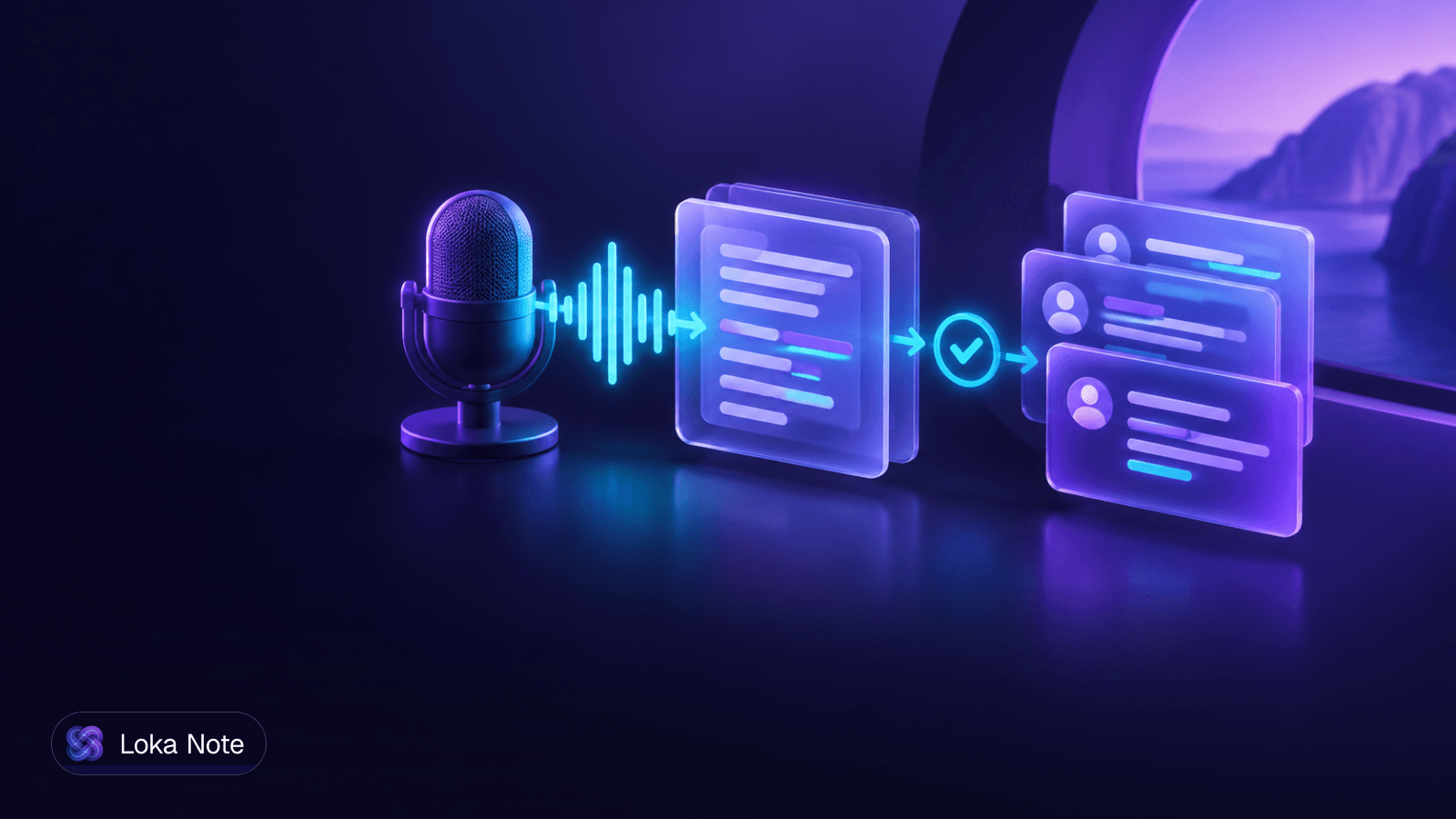
The standard modern workflow is an AI first draft, a chosen verbatim style, verification against audio, anonymization, and export to QDA software. The steps below put that into order.
- Record cleanly. Use a quiet room, one microphone close to each speaker, and a short test recording. Audio quality drives how much checking you do later.
- Generate the draft. Upload the recording to your transcription tool and pick the language actually spoken. Do not edit while it runs.
- Verify against the audio. Play the recording at normal speed with the transcript open beside it. Fix speaker turns, names, technical terms, numbers and anything that changes meaning. On reasonably clean audio, one source puts post-AI review and spot-checking at 25% to 40% of recording length.
- Measure your error rate on the first few interviews. Listen to the full first two or three recordings, count the corrections, and note the result. If errors are rare and minor, you can move to targeted spot-checks. If they are frequent, keep listening in full. A short note of this in your methods section answers the question an ethics board or committee will ask: how do you know the transcript is accurate?
- Anonymize the working copy (see the confidentiality section below).
- Code from the rough-clean version. Do not polish the whole text first.
- Polish only the quotes you will use. Tidy punctuation and formatting for the extracts that go into your findings chapter, and check each one against the audio again.
Step 7 is where most people lose time. Polishing 15 transcripts to publication quality before coding means polishing hours of text that will never be quoted.
Can you use AI for thesis work?
Generally yes, if you verify, document and have the right approvals. The tool produces a draft, and you are responsible for the final transcript. Check your institution's rules and your ethics protocol before uploading anything.
Formatting transcripts for NVivo, ATLAS.ti and MAXQDA
Most import problems come from inconsistent speaker labels and stray punctuation. NVivo prefers timestamped .txt or .docx files with consistent speaker prefixes such as "Interviewer:" and "P01:", which supports automatic speaker coding. The same source says irregular punctuation such as em-dashes can make that fail.
A safe template for any QDA tool:
- One file per interview, saved as .docx or .txt.
- A new paragraph for every speaker turn.
- The same prefix every time:
Interviewer:andP01:, not "Me", "Int." or "Maria". - Timestamps at regular intervals or at each turn, in one format throughout.
- Plain punctuation. Replace em-dashes with commas, full stops or plain hyphens.
- A consistent file name, such as
P01_2026-10-08.docx, that matches your participant key. - No header blocks or notes inside the transcript body, unless your tool expects them.
NVivo is the only one of the three where we have a specific rule from our sources. For ATLAS.ti and MAXQDA, check each tool's import documentation, since requirements can differ by version. ATLAS.ti also publishes its own interview transcription guide.
Before preparing all your files, import one transcript and see whether speakers are recognized and timestamps line up. Fixing a template takes minutes. Fixing 15 finished files does not.
Participant confidentiality, ethics and de-identification
Anonymize the working transcript before anyone else sees it, and keep the key that links codes to real identities in a separate, encrypted place. The exact rules come from your ethics approval and consent forms, so follow those first.
A practical de-identification routine:
- Replace participant names with codes (P01, P02) and keep the code key in a separate file.
- Remove or generalize places, employers, job titles and institutions that could point to one person. "A regional hospital" is safer than the hospital's name.
- Check for indirect identifiers: rare events, unusual job combinations, specific dates.
- Search the file for every name the participant mentioned, including family, colleagues and place names, in each spelling.
- Anonymize the copy you code and share. Store the original audio according to your protocol, and delete it when the protocol says to.
When you use an automated tool, your ethics board will want to know where the audio goes. Be ready to state:
- Who processes the audio and where it is stored.
- How long recordings and transcripts are retained.
- Whether your data is used to train models.
- Whether you can delete everything on request.
Get these answers in writing from any vendor. Loka Note's answers are on its security page.
Multilingual and accented interviews
If your interviews are in a language or accent that general-purpose tools handle poorly, test before you commit. Our sources note that multilingual and non-standard accented interviews often need a regional AI transcription model before manual revision.
Run a five-minute test on a real recording and count the errors. A tool that scores well on standard English can fail on mixed-language speech, where a participant switches languages mid-sentence. For Burmese and English, see why code-switching breaks many transcription tools and our step-by-step guide to transcribing Burmese audio.
Two method decisions to make early:
- Analysis language. Code in the original language where you can. Translation adds a layer of interpretation that you need to disclose.
- Quotes. Keep the original-language transcript as your primary data and translate only the extracts you publish, noting who translated them.
A schedule to transcribe without losing weeks
Here is what the published figures mean for a 15-interview project of one hour each. These are planning ranges, not guarantees. Your audio quality and style choice will move them.
| Approach | Time per interview | Total for 15 |
|---|---|---|
| Manual typing | 3 to 10 hours | 45 to 150 hours |
| AI draft, then check and clean | 1.5 to 3.5 hours | 22.5 to 52.5 hours |
| AI draft, then review on clean audio | 25% to 40% of recording length | About 4 to 6 hours |
The totals are our arithmetic from the cited figures. The last row covers review time only, and it applies to clean audio. Start from the middle row if your audio is mixed or noisy.
A workable schedule:
- Day 1: Choose your verbatim style, write your speaker-label template, and test an import into your QDA tool with one file.
- Days 2 to 3: Upload interviews as you finish them rather than waiting for all 15. Draft the transcripts in the background while you do other work.
- Days 3 to 7: Fully verify the first two or three interviews and record your error rate. Then switch to targeted verification if the results justify it.
- Days 5 to 9: Anonymize each transcript right after verifying it and file the key separately.
- From day 7: Start coding the first verified transcripts while you check the rest. Early coding also tells you which interviews need the closest listening.
- At writing stage: Polish and re-check only the quotes you will use.
Batching helps too. Verify in blocks of two or three interviews, so you stay in the same speakers, terms and topics.
Where Loka Note fits
Loka Note is not a QDA tool, and it will not replace your verification step. It handles the first-draft stage. You upload an audio or video file, and it produces a transcript, with automatic language detection. It is built Burmese-first and also supports English, Thai, Vietnamese, Chinese, Yoruba and Hausa, including mixed-language speech such as Burmese-English code-switching.
Pricing is pay as you go, with no subscription: 60 minutes cost $1.99, 780 minutes cost $9.99, and 1,500 minutes cost $19.99. Top-up minutes are valid for 6 months. An optional Unlimited plan costs $19.99 a month, and uploads on it are transcribed one at a time. Every account has the full feature set.
On privacy, Loka states that audio and transcripts are never used to train AI models. Transcripts are encrypted at rest, and you can delete any recording or your whole account at any time. Recordings are retained for 6 months unless you delete them sooner. This is encryption of stored data, not end-to-end encryption, so describe it accurately in your ethics paperwork. Full details are on the security page.
For QDA import, Loka exports PDF and can email notes, so you will copy the transcript text into your own .docx or .txt template and add your speaker prefixes and timestamps there.
Try it on one interview and compare the draft against your audio: start at app.lokanote.com/signup
Frequently asked questions
How long does it take to transcribe a 1-hour qualitative research interview?
Typing it by hand is estimated at 3 to 10 hours per hour of audio. With a machine first draft, checking and cleaning took between 1.5 and 3.5 hours in one published case study, depending on accuracy and interview length. On clean audio, another source puts post-AI review at 25% to 40% of the recording duration.
Can you use AI transcription for qualitative academic research and thesis work?
Yes, provided you verify the draft against the audio, document the process in your methods section, and confirm your ethics approval covers the tool you use. The machine produces a draft, and you remain responsible for the accuracy of the final transcript. Check your institution's rules before you start.
What is the difference between verbatim and intelligent verbatim transcription?
Full verbatim keeps everything said, including fillers, false starts, repetitions and pauses. Intelligent verbatim removes those features and keeps the meaning and wording of what the participant said. Choose based on your methodology: analysis that depends on how people speak needs full verbatim, while thematic work on content usually does not.
How should transcripts be formatted for import into NVivo, MAXQDA, or ATLAS.ti?
Use a plain .txt or .docx file with timestamps and the same speaker prefix on every turn, such as Interviewer: and P01:. Avoid irregular punctuation such as em-dashes, which can break NVivo's automatic speaker coding. Test one transcript in your QDA tool before preparing the rest.
How do you anonymize interview transcripts to protect participant confidentiality?
Replace names with participant codes, remove or generalize places, employers and other identifying details, and store the key linking codes to real identities separately and encrypted. Anonymize the working copy before sharing it with co-coders. Also make sure your ethics protocol states where audio and transcripts are processed and stored.
Sources
- 1Transcribing in the digital age: qualitative research practice ...pmc.ncbi.nlm.nih.gov
- 2Recording & Transcription - Library Support for Qualitative ...guides.library.harvard.edu
- 3How to Transcribe Thesis Interviews Before a Defense Deadlinetranscribebee.com
- 4Transcribing Qualitative Research: Methods & Best Practicesaudiostranscribe.com
- 5From “Listen and Repeat” to “Listen and Revise”: How to Transcribe Interviews Offline Quickly and for Free Using Voice Recognition Softwareexa.ai
- 6How to Transcribe Interviews? | Guide & Examples - ATLAS.tiatlasti.com